Bilateral Stimulation
Bilateral stimulation for EMDR, built into your sessions
Visual and auditory bilateral stimulation for practitioners trained in EMDR, running inside your Therasee video sessions. Set the speed, look and sound, ask SUD and VoC between sets, and add the whole record to your session note in one click. Free on every plan, with no second tab and no separate tool.
How it works
See it in action
In any Therasee video session, open Tools and choose Bilateral stimulation. It opens on your screen only, so you can set it up, and even do a test run, before your client sees anything.

The record writes itself
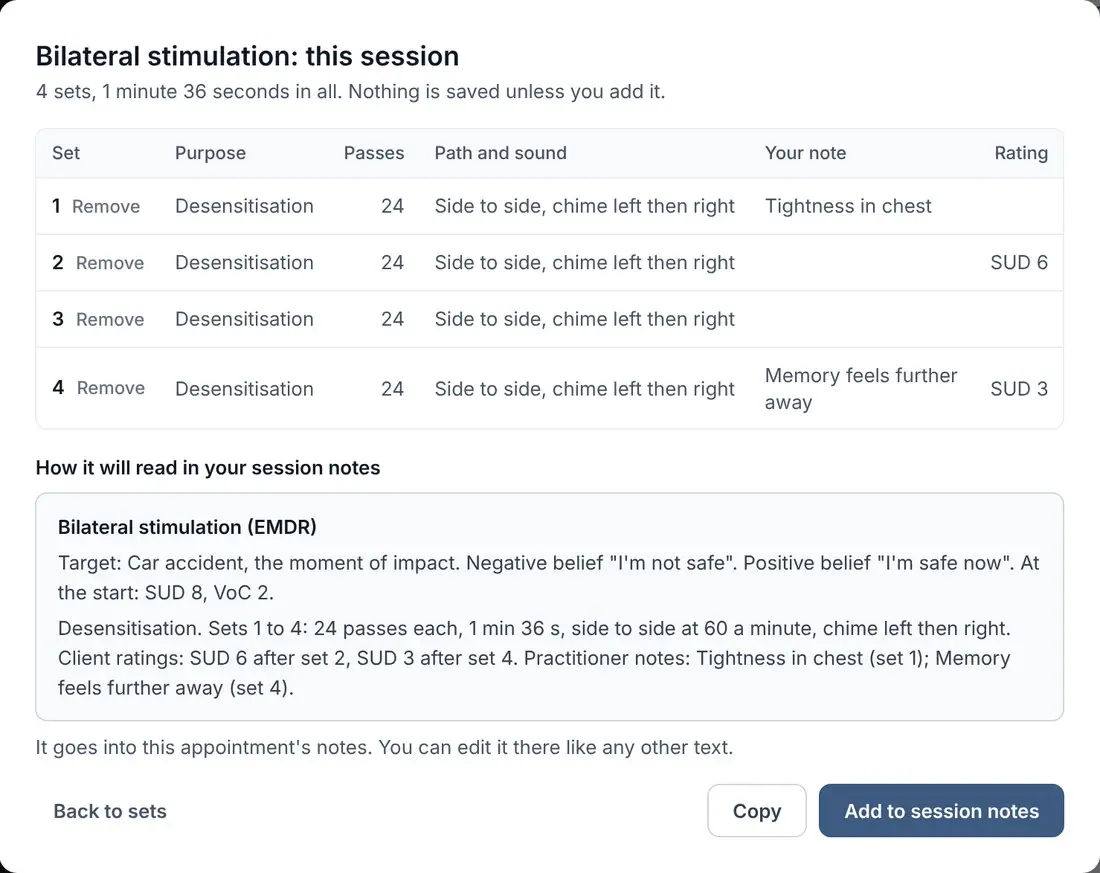
SUD, VoC and every set, straight into your notes
Record the target and the beliefs in your client's own words, and label each set with its phase. Ratings come from your client's screen, your notes on each set stay private to you, and nothing is saved until you add it.
- Target
- Car accident, the moment of impact
- Negative belief
- “I’m not safe”
- Positive belief
- “I’m safe now”
- Phase of these sets
- Preparation and resourcingDesensitisationInstallationBody scan
- Ratings from your client’s screen
- SUD 8 at the startSUD 6 after set 2SUD 3 after set 4
The phase only decides which rating is offered first. Every field is optional.
Everything you need
Powerful features designed for the way you work.
- Built into your sessions
- Bilateral stimulation runs inside Therasee video. No second link, tab or account for you or your client. A version for the therapy room is coming soon.
- Free on every plan
- Bilateral stimulation is included on every Therasee plan, including Free. No separate subscription and nothing to pay per session.
- An online EMDR light bar
- The moving shape does the job of a light bar, on your client's computer, tablet or phone.
- Every speed you need
- From 20 to 140 passes a minute, with Slow, Medium and Fast presets. Arrow keys change it mid-set.
- Four paths, six shapes
- Side to side, up and down, diagonal or a figure of eight. A dot, ring, star, heart, diamond or leaf, at any size.
- Calm colours and pictures
- Eight soft shape colours on eight plain backgrounds, or a calming picture behind the shape.
- Sound in headphones
- Auditory bilateral stimulation in headphones: eight sounds that play left then right, or four that glide between the ears. Low, middle or high pitch, with the volume kept gentle.
- A headphone check first
- A left-and-right check on your client's screen confirms the sound is coming through the right way round.
- Your client can always stop
- A Stop button stays on their screen through every set. The set ends straight away and your panel tells you.
- SUD, VoC and phases
- Record the target and beliefs in your client's words, label sets by phase, and collect ratings from their screen.
- Private until you add it
- Sets stay in your browser, through a refresh or a rejoin, until you add them to notes. Anything not added is cleared the same day.
Before and after
Compared with a separate BLS tool
Most online EMDR today means a video call in one window and a bilateral stimulation website in another.
| What | Video call plus a separate BLS tool | Therasee |
|---|---|---|
| Where the stimulation runs | A second tab, link or app beside the call | Inside the video session |
| What your client has to do | Open a second link, and often switch windows | Nothing new. It appears in the call they joined |
| SUD and VoC | Asked out loud and written down by hand | Answered on their screen, logged against each set |
| Session notes | Typed up afterwards, in another system | One click, into the note for that session |
| Booking, reminders and invoices | In your practice software | In the same place as the call |
| Cost | Usually a separate subscription once past a free tier | Free on every Therasee plan, including Free |
Private by design
Nothing kept that you didn't choose to keep
Stays in your browser
Sets, ratings and notes stay on your computer until you add them to the session note.
Survives a dropped call
A crash, a refresh or Rejoin call doesn’t lose your sets.
Cleared the same day
Anything not added to notes is removed at the end of the day. Calls are never recorded.
Bilateral Stimulation: your questions answered
What is bilateral stimulation in EMDR?
Bilateral stimulation (BLS) is the left-right rhythm used during EMDR processing: eye movements following a moving light or shape, sounds alternating between the ears, or taps on each side of the body. The client holds the target memory in mind while following it, in sets, with the practitioner checking in between. Therasee offers visual and auditory bilateral stimulation inside your video sessions.
How does bilateral stimulation work?
The client briefly holds a distressing memory in mind while following the left-right stimulation. A leading explanation is that this taxes working memory, so the memory becomes less vivid and less distressing; the exact mechanism is still being researched. EMDR is recommended by NICE for post-traumatic stress disorder in adults. Therasee gives you the tool; how and when you use it stays your clinical decision.
What are SUD and VoC in EMDR?
SUD is the Subjective Units of Disturbance scale, sometimes called Subjective Units of Distress. It runs from 0 to 10, where 0 is no disturbance and 10 is the worst it could be. VoC is the Validity of Cognition scale. It runs from 1 to 7 and measures how true the positive belief feels, where 7 is completely true. In Therasee, your client answers both on their own screen between sets, and each answer is saved against that set for your session note.
Can I do EMDR online with Therasee?
Yes. Bilateral stimulation is built into Therasee's own video sessions, for practitioners trained in EMDR. Your client sees the moving shape on their own screen and hears the sound in their headphones, you control every setting from your panel, and SUD and VoC ratings go into your session note.
Can it replace an EMDR light bar?
For online sessions, yes. The moving shape works like a light bar on your client's screen, with 20 to 140 passes a minute, four paths, six shapes, and the colours and backgrounds you choose. A version for the therapy room is coming soon.
Can I use it for in-person sessions?
Not yet. Today bilateral stimulation runs inside Therasee video sessions. A version for in-person sessions in your therapy room is coming soon.
Is there a free bilateral stimulation tool for EMDR?
Yes. Therasee's bilateral stimulation is free on every plan, including the Free plan (£0, up to 3 clients), with no separate subscription and nothing to pay per session. It comes with Therasee video, so the booking, reminders, session notes and SUD and VoC ratings are all in the same place.
Does my client need headphones?
Only for sound, and sound is optional. It is off at the start of every session. With headphones on, a left-and-right check on your client's screen confirms the sound comes through the right way round.
Does it include tappers or buzzers?
No. Therasee offers visual and auditory bilateral stimulation: a moving shape on screen and sound in headphones. There is no tactile stimulation.
Does it work on my client's phone?
Yes. It works on a computer, tablet or phone. On a phone the shape sits above your video, and your panel shows a copy of your client's screen at its real shape, so you know what they see.
Can my client stop a set?
Yes. A Stop button stays on their screen during every set. Pressing it ends the set straight away, and your panel tells you they stopped it.
Is anything recorded or stored?
Calls are never recorded. Your sets, ratings and notes stay in your browser until you add them to the session note, and anything not added is cleared at the end of the day.
Also in every call
Tools for resourcing and closing down
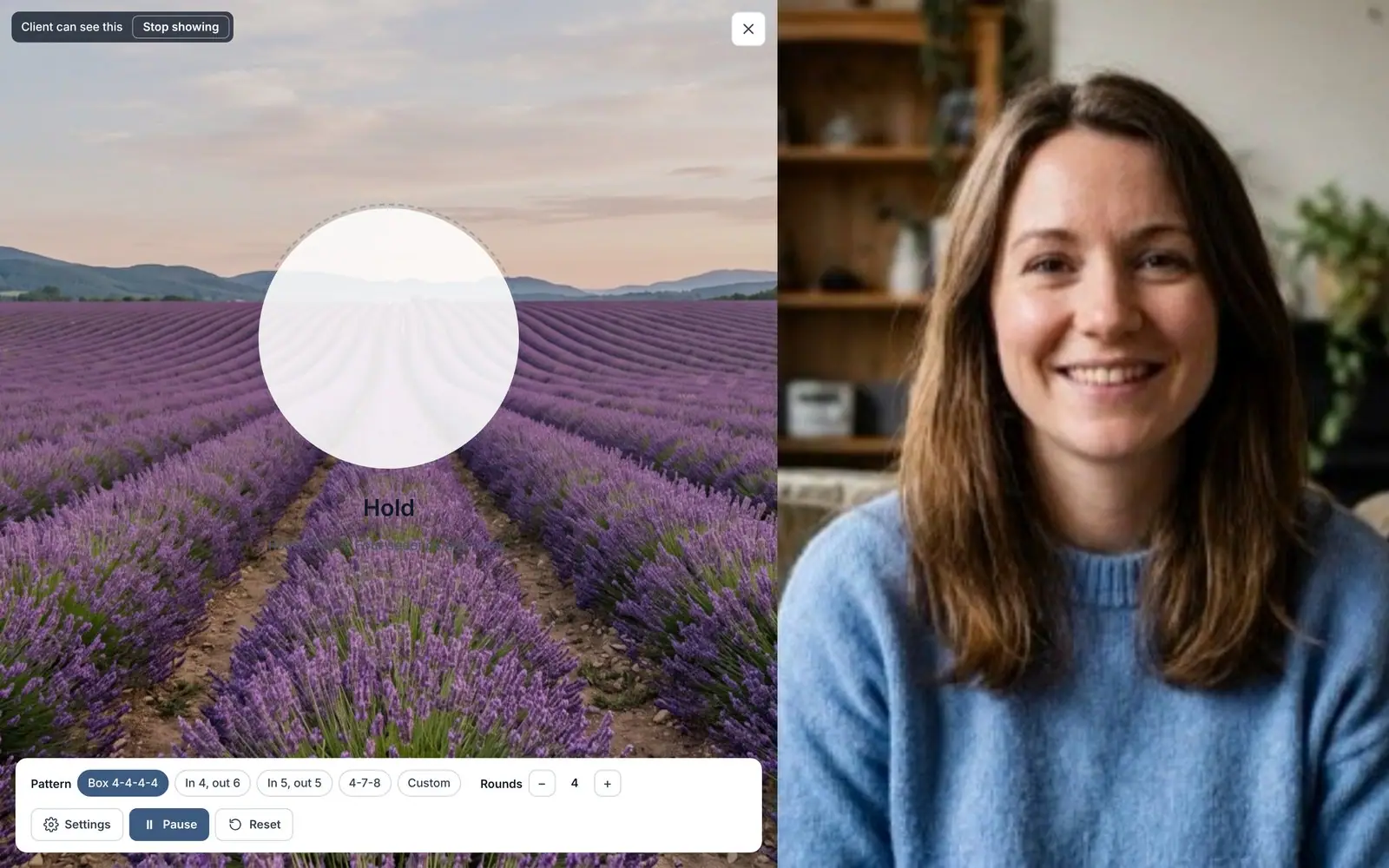
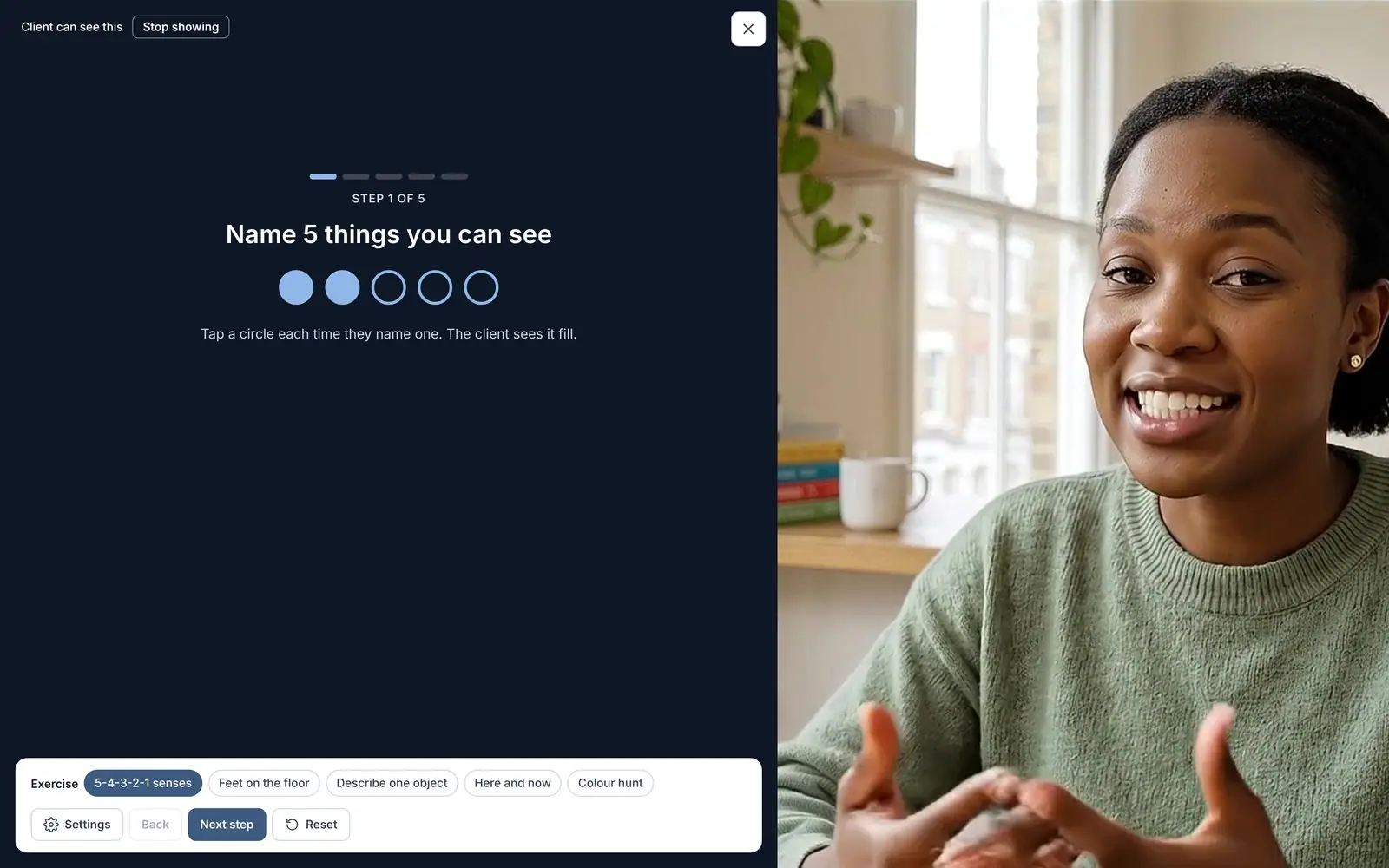
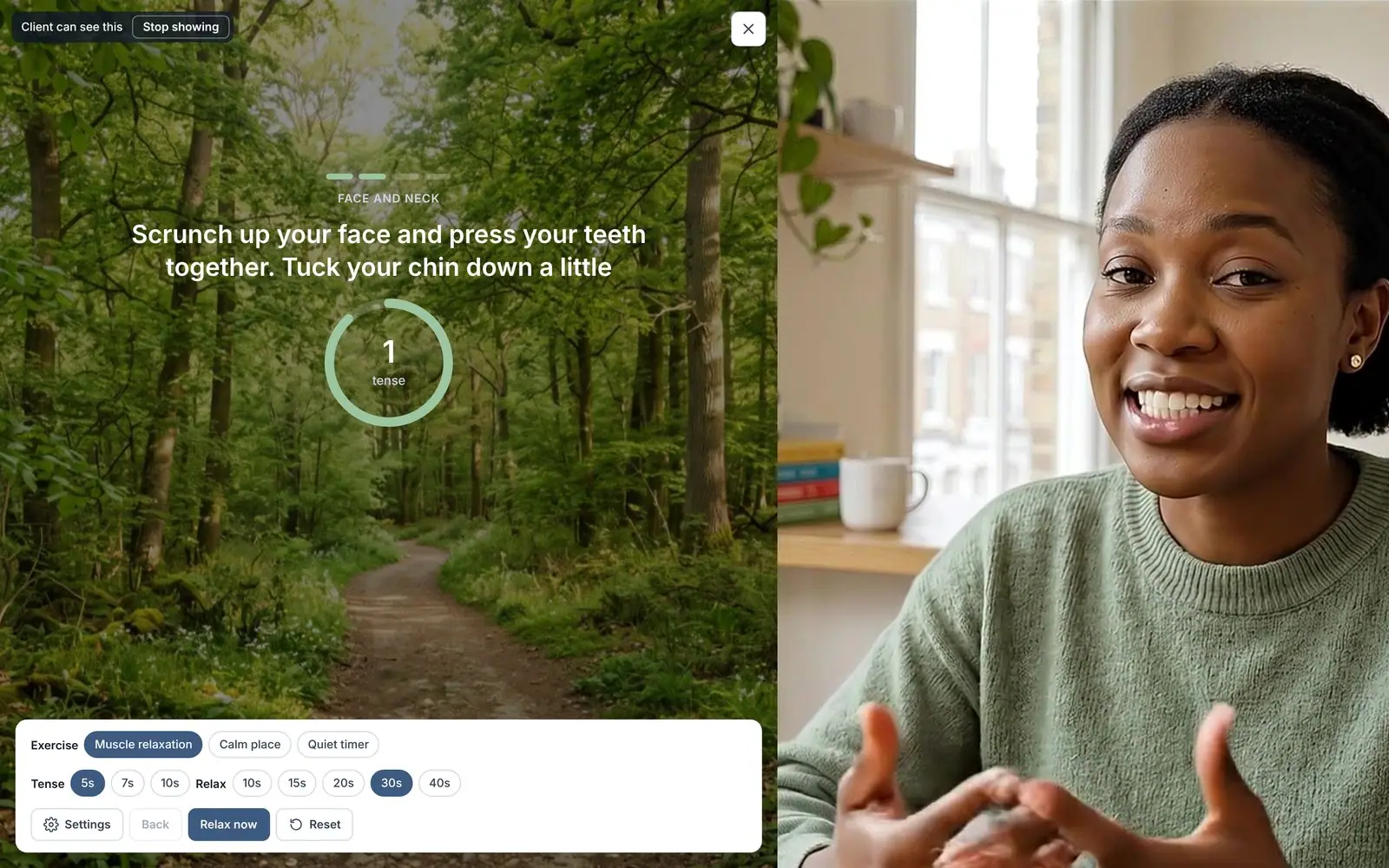
The same call has a breathing pacer, grounding, calm exercises and a shared whiteboard, all shown on your client's screen when you're ready.



Ready to try Bilateral Stimulation?
Start for free and see how Therasee changes the way you run your practice. No credit card required.