
Integrations
Works with the calendar and tools you already use
Sync with Google Calendar or Outlook, take card payments through your own Stripe account, and use your own Zoom, Google Meet or Teams link if you prefer them to Therasee video.
How it works
See it in action
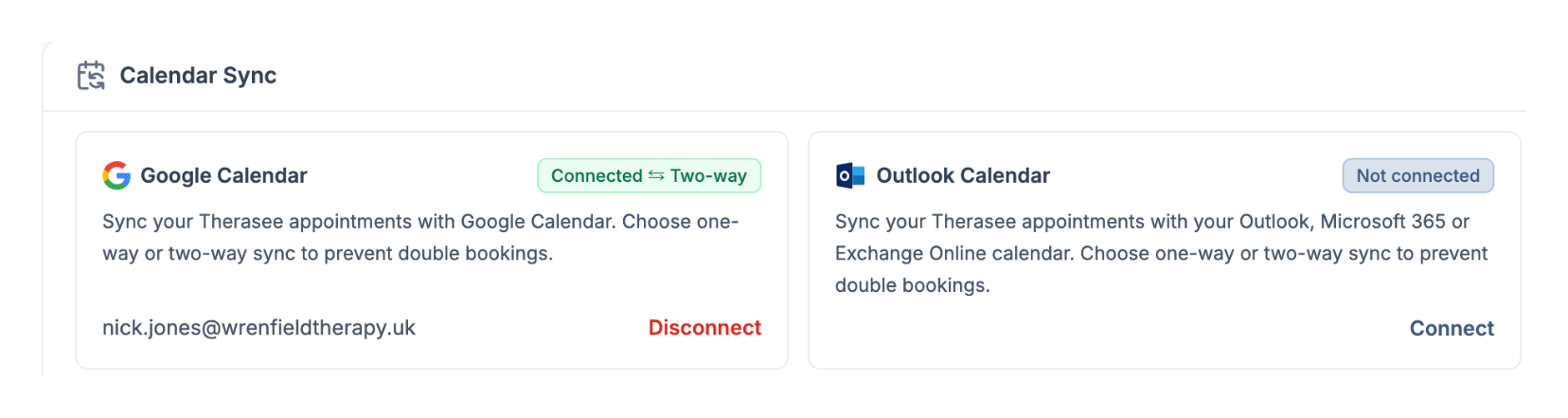
Connect Google Calendar or Outlook, one way or both. Sessions appear in your own calendar, and your other events block those times on your booking page, so nothing is double booked.

Only initials and the service show in your calendar
Sync your calendarOnly initials and the service show in your calendar
Sync your calendarEverything you need
Powerful features designed for the way you work.
- One way or both
- Choose whether sessions go to your calendar, your calendar's events come into Therasee, or both.
- No double bookings
- Events in your own calendar block those times on your booking page.
- Private calendar entries
- Sessions go into a separate Therasee calendar, showing only the client's initials and the service.
- Your own Stripe account
- Payments go straight to your account, and clients get a receipt.
- Pay when booking
- Turn it on for any service, and clients pay as they book.
- Any video link
- Zoom, Google Meet, Teams or any other link, alongside Therasee video.
Before & after Therasee
See what changes when you switch to a purpose-built platform.
Without Therasee
With Therasee
Without: Keeping two diaries and still getting double booked
With Therasee: Sync with Google Calendar or Outlook, and busy times block your booking page
Without: Chasing payments by bank transfer
With Therasee: Card payments through your own Stripe account, online or when clients book
Without: Having to switch video platforms
With Therasee: Keep using your own Zoom, Meet or Teams link
Integrations: your questions answered
Does Therasee work with Google Calendar and Outlook?
Yes, one way or both. Sessions appear in your own calendar, and your other events block those times on your booking page, so nothing is double booked.
Will client names show in my personal calendar?
No. Sessions go into a separate Therasee calendar that shows only the client's initials and the service.
How do card payments work?
Connect your own Stripe account in a click. Clients pay invoices online or when they book, the money goes straight to you, and they get a receipt.
Can I use Zoom, Google Meet or Teams?
Yes. Save your link once, pick it for any session or make it your default, alongside Therasee's own video. Reminders and join links still come from Therasee.
Can clients add sessions to their own calendar?
Yes. Appointment emails carry a calendar file, so clients add the session to their calendar in a tap.



Ready to try Integrations?
Start for free and see how Therasee changes the way you run your practice. No credit card required.