
Session Notes
Your notes, all in one place
Add notes directly from any session, the calendar, or the client profile. Use speech to text to capture thoughts quickly, and get prompted at the end of every video call. All notes are linked to the session and organised under each client.
How it works
See it in action
Open a note from the sessions page, the calendar, or the client's profile. Each note is automatically linked to the session it belongs to, so you never lose context.

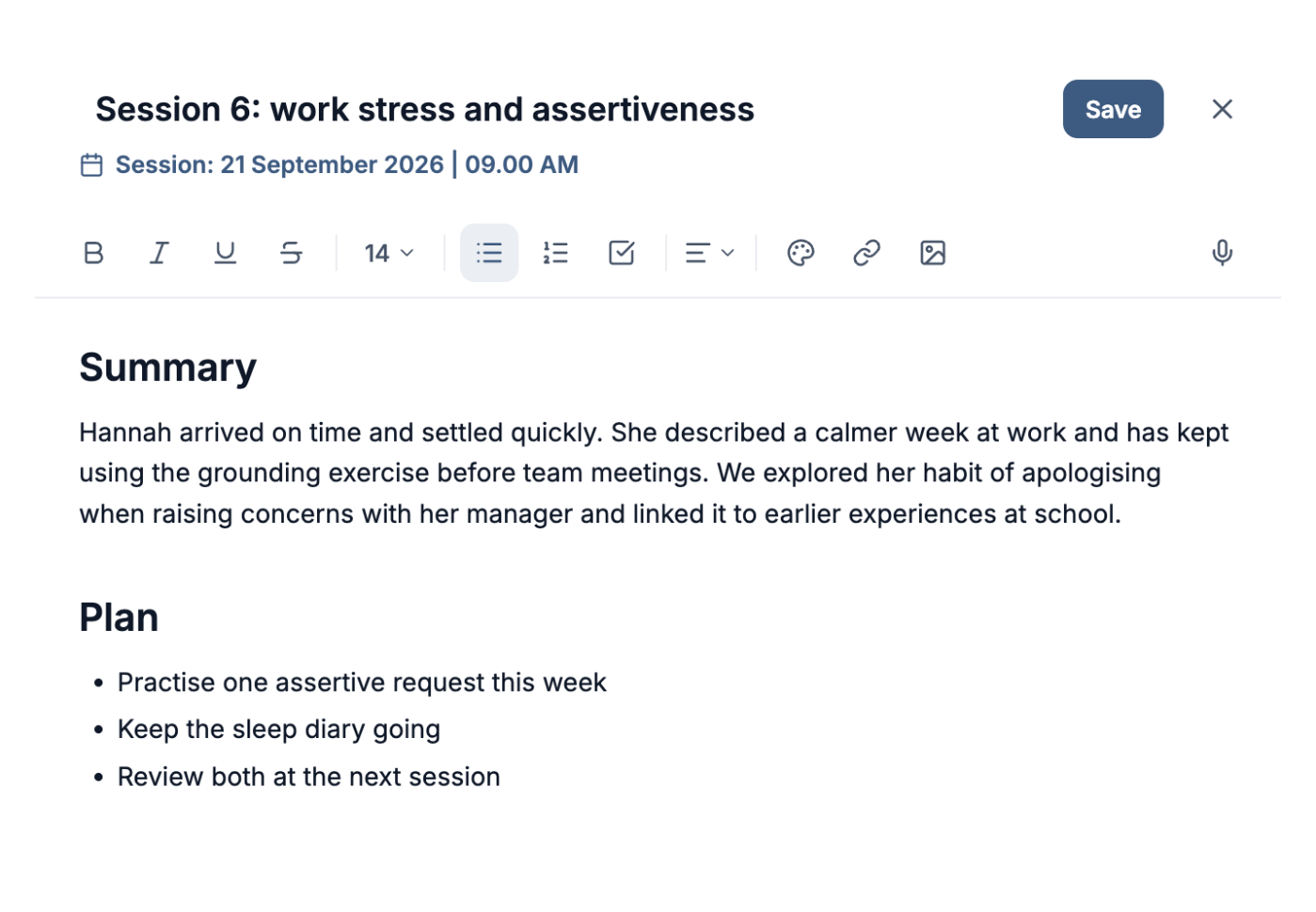
Linked to the session it belongs to
Create a session noteLinked to the session it belongs to
Create a session noteEverything you need
Powerful features designed for the way you work.
- Session linked notes
- Every note is tied to a specific session with full context, so you always know when and why it was written.
- Speech to text
- Dictate notes hands free and let Therasee transcribe in real time. Write faster without touching the keyboard.
- Rich text editor
- Format with headings, lists, checklists, links and images. Your notes look the way you want them to.
- Post session prompts
- Get reminded to document after every video call ends, so nothing falls through the cracks.
- Add notes from anywhere
- Open a note from the sessions page, the calendar, or the client profile. Access your notes wherever you are.
- Organised per client
- All notes are grouped under each client's profile so you can review the full history before any session.
Before & after Therasee
See what changes when you switch to a purpose-built platform.
Without Therasee
With Therasee
Without: Forgetting to write notes after a busy day of sessions
With Therasee: When a video session ends, Therasee asks you to write the note there and then
Without: Notes scattered across apps, folders, and paper files
With Therasee: All notes in one place, linked to each client and session
Without: Typing notes takes too long between sessions
With Therasee: Talk and your words appear as you speak
Without: No context when reviewing a client before their next session
With Therasee: Open the client and read every past note, newest first, before you start
Session Notes: your questions answered
Can I write session notes with speech to text?
Yes. Click the microphone and speak, and your notes appear as you talk. Speech to text is included on every plan, for session notes and for messages to clients.
Are notes linked to each client and session?
Yes. Every note is tied to the session it belongs to and filed under the client, newest first. Before a session you can read the whole history in one place, with who wrote each note and when.
Does Therasee remind me to write up notes?
Yes. When a video session ends, Therasee prompts you to write the note there and then, already linked to the appointment. Your records stay complete even on a back-to-back day.
Are session notes secure and GDPR compliant?
Yes. Notes are encrypted and stored in UK data centres on Microsoft Azure and Google Cloud. Therasee is registered with the ICO (ZB610705), gives every practice a Data Processing Agreement, and never uses your data to train AI.
Can I format notes with headings and checklists?
Yes. The editor handles headings, lists, checklists, links and images, so notes look the way you want. Open a note from the sessions page, the calendar or the client's profile.
Can I bring my existing notes into Therasee?
Yes. Therasee offers free migration support to bring across client details, notes and appointment history from other platforms, and the team guides you through every step.



Ready to try Session Notes?
Start for free and see how Therasee changes the way you run your practice. No credit card required.